
Why Canva is best for social media campaigns
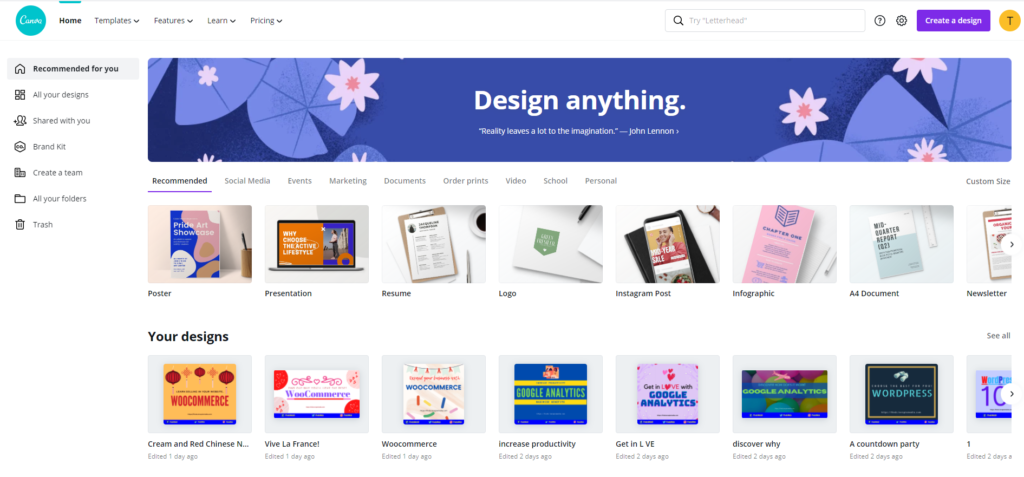
Canva is a graphic design design platform for various applications especially if your are working for the web.
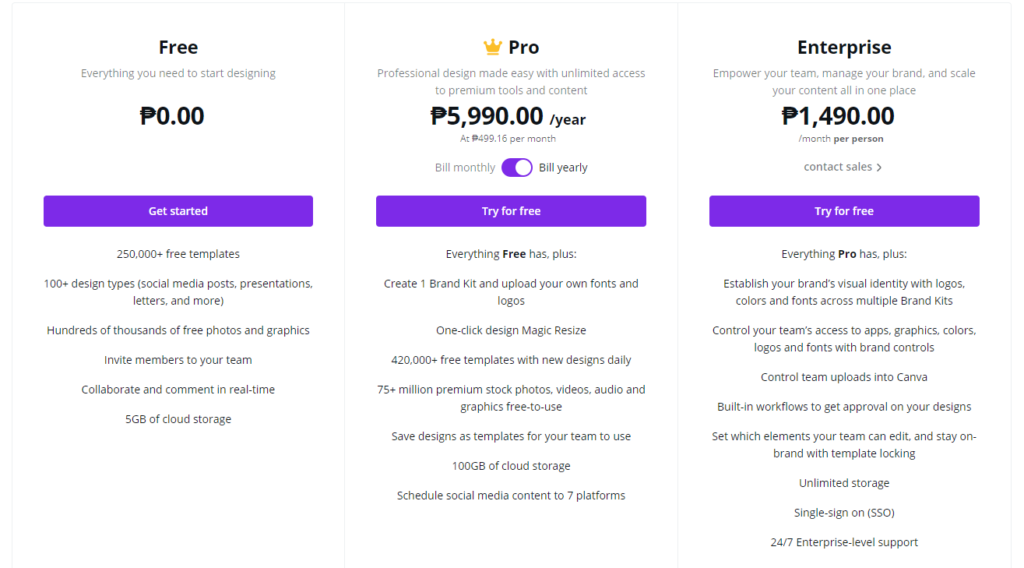
As of this writing, Canva is not totally free. There are paid versions like the Pro and Enterprise. But there is the free version that one can take advantage of. Users can modify free versions and do his branding as easy for beginners. Free templates are enough for creative individuals.
Canva interface is simple. High level expertise is not a pre-requisite if you want to use it. . It is easy to learn and use. Most of the graphics editing applications need a paid version to utilize the functionality. Not in the case of Canva. Free version is usable and would look likely the paid version as long as the user has the imagination. Pricey graphic editing software is not required in learning the platform.
Templates for Specific Social Media Posts
The application has already set different sizes fitting for any social media post. The platform suggests array of templates suitable for each of these posts. There is no cropping anymore. Misfit of size is likely will not happen. Canva has already did it for the user. Drag-and-drop your graphic elements and put them in your selected template. That is all the user need.
Elements in the template are arranged similar to arranging objects in a simple word processing application. Send elements backward, forward or to front.
File sizes in Canva are maximized. Problems with the exact resolution in graphic editing software is now solved. This feature is one of the thing why you’ll love it.
Combine Text and Photos Easily
The application offers a lot of flexibility in combining texts and photos. They say that a picture says a thousand words. But how about picture with texts? Is it not compelling to be driven by the message brought about by the combination of both elements?
Team to Work With
Working with a stand-alone application is difficult in collaboration setup. In contrary, the application allows to create a team to work with a common group of design. It is also advantageous if the team are comparing work in a project for the purpose of improvement. Monitoring of thematic designs are easily done because all are working privately but in the same environment.
Awesome Photo Adjustment Feature
By clicking on the adjustment tab, one’s photo can be tweak to fit based on the users taste or made according to clients suggestions. Use slider to adjust brightness, contrast, saturation, tint, x-process, blur, and vignette. X-process here is like adjusting the color warmness in other applications.
Vignette Feature
In the past, a vignette may be considered an error. But today it might a form of art or filter applied to the picture. Manually, one need to some bucks to speed investing to get this effect. In this application, it is just a matter of moving the slider to the desired intensity.
Picture Reset
Advanced graphics application need good practice and conservative functional workflow. The main purpose is to keep track on the changes made in the images in the canvass. It is also a protection in case of rollbacks if results are not acceptable. In this area, Canva got another star by putting a reset button. That cancels out all changes made to image one is working with. Great feature of undoing all the changes made to the image or graphics.
Reusable Designs
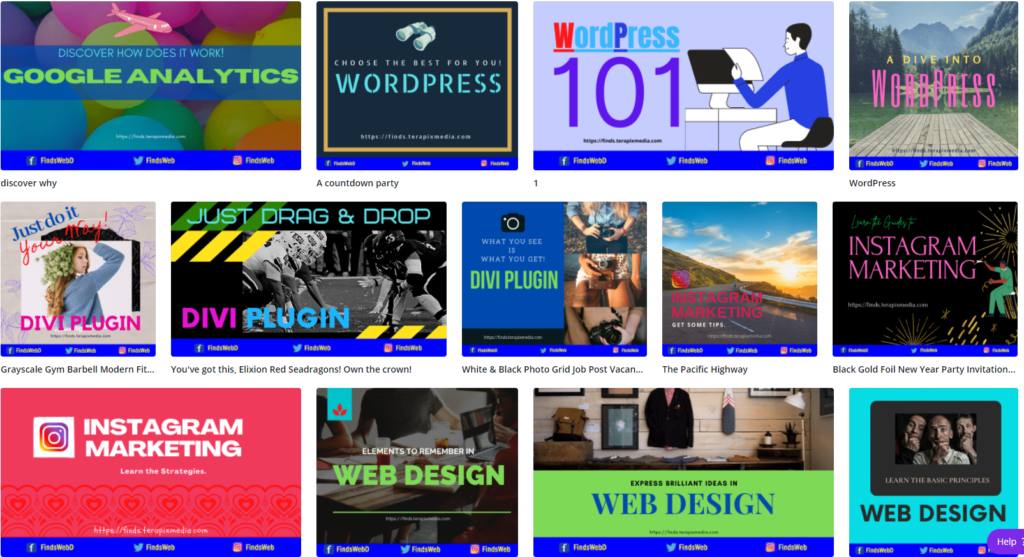
Finished designs are saved in the local computer. But a copy is to stored in the program itself. This is one of the features that I like. Using old designs and layout are pretty good feature. Having another design does not require starting from scratch. Reuse your designs for another purpose.
I did disregard Canva when it was first introduced to me. Now, I am getting used to it and learned to love the graphic design platform. Doing a lot of graphics editing is also tiring in long period of time.
Now, users have this alternative application. A good way to develop one’s skill is by learning while doing. Studies show retention of learning happen more to learners who are actually doing activity.
Learning occurs less when one is just watching or reading. In this scenario, learning-by-doing is a must. The program does not require that one must be a graphics application expert. You just need an open mind to explore new set of rules or ideas.
In everything that we do, it will always start from the positive mindset. The good side of the program is experiencing the use without spending any cent. It’s just having a luxury without the cost. Canva is worth a try for your social media campaigns and quick graphics works. You may live with it.

